
Thing 5: Extend native CloudFormation resources with macros
I’ve been working on a Thing to continue the pattern of using AWS services in different ways to host static web content, but this time using CloudFormation. In exploring that I found there is a pre-requisite that we need to explore first that was making the blog post too long all in one.
Goal of this thing:
Explore extending CloudFormation functionality
What I found is that CloudFormation does not have a resource that allows for uploading a file to a S3 bucket natively. There is however a macro backed by a Lambda function that AWS publishes to accomplish that task. Since I wanted to remove any manual steps we’re going to use that solution.
Note this exact syntax works on Windows in a powershell terminal. Adjust for your own environment. Don’t @ me, bro. I’m getting more comfortable on Windows these days and don’t have a Mac handy right now. WHATEVER. :)
Some instructions taken from the repo here
Clone the repo, using Github CLI here
gh repo clone aws-cloudformation/aws-cloudformation-macros
cd .\aws-cloudformation-macros\S3Objects\
This AWS command takes the macro.template we just got from Github and transforms it into packaged.template
aws cloudformation package `
    --template-file macro.template `
    --s3-bucket $AN_EXISTING_BUCKET_NAME_HERE `
    --output-template-file packaged.template

Uploading to eeab9851c934fc3385281215f8bf5fa3  2439 / 2439.0  (100.00%)
Successfully packaged artifacts and wrote output template to file packaged.template.
Deploy the packaged CloudFormation template to a CloudFormation stack
aws cloudformation deploy `
    --stack-name s3objects-macro `
    --template-file packaged.template `
    --capabilities CAPABILITY_IAM
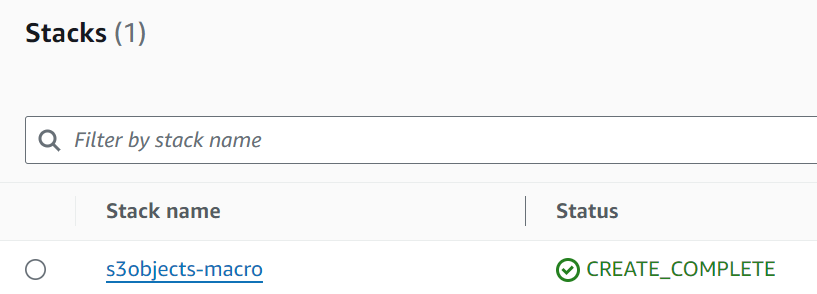
When that completes you will see a new stack in CloudFormation
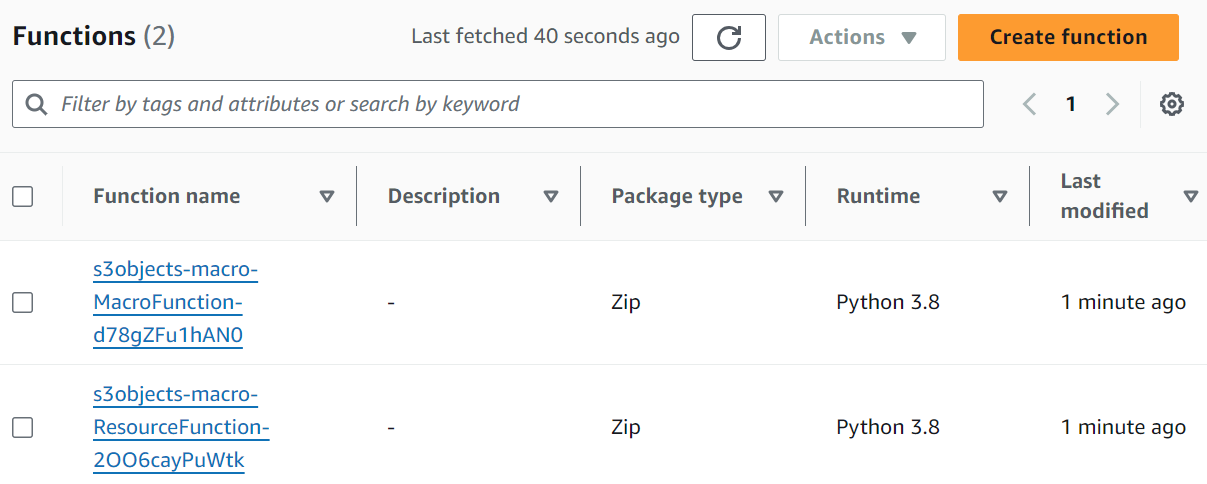
If you pop into Lambda, you should see two new functions as well.
Now let’s try it out to be sure it works. Note - When I tried the exact example in the repo, I seemed to hit bugs using their provided template. For that reason we’re going to trim it down to just the one function that uploads a single file like this below. Note the Transform line at the top. This is required to access to macro. Without it, the resource type AWS::S3::Object won’t be found.
Add this to a file named my_example.template
Transform: S3Objects

Resources:
  Bucket:
    Type: AWS::S3::Bucket

  Object1:
    Type: AWS::S3::Object
    Properties:
      Target:
        Bucket: !Ref Bucket
        Key: README.md
        ContentType: text/markdown
      Body: |
        # My text file

        This is my text file;
        there are many like it,
        but this one is mine.
Now when you run this, it should create a new bucket and create a file named README.md with the text in the body tag above.
aws cloudformation deploy `
    --stack-name s3objects-macro-example `
    --template-file my_example.template `
    --capabilities CAPABILITY_IAM

Waiting for changeset to be created..
Waiting for stack create/update to complete
Successfully created/updated stack - s3objects-macro
Now if we check our buckets again we see a new one:

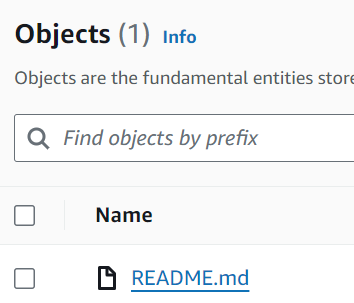
With a single file inside:
References: