
Thing 6: Static website hosting on S3 with CloudFormation
In the previous Things I explored a cheap way of hosting static web content via AWS S3 (Thing 1 was manually, Thing 3 was /w Terraform). For this next Thing (and probably one more building upon this one) we’re going to accomplish the same task but via a much more powerful service, CloudFormation.
The Github repo for this thing can be found here
AWS CloudFormation is a service provided by Amazon Web Services (AWS) that enables users to model and manage infrastructure resources in an automated and secure manner. Using CloudFormation, developers can define and provision AWS infrastructure resources using a JSON- or YAML-formatted infrastructure as code template. link
Let’s see how it works.
Goal of this thing:
Explore how CloudFormation can do tasks we’re already familiar with now.
Part 1: Setup steps
Unfortunately, CloudFormation does not have a resource that uploads a file to a S3 bucket natively. There is however a macro backed by a Lambda function that AWS publishes to accomplish that task.
Thing 5 walks through installing this S3Objects macro, so go do that first. We’ll wait here for you.
Part 2: S3 Domain - Let’s start simple
Now with that out of the way, it’s time to put the yaml together that drives CloudFormation. Let’s start out with serving via just the S3 generated url without a custom domain. The following examples are all pulled from the AWS docs here
The exact yaml file can be found in my repo here
AWSTemplateFormatVersion: 2010-09-09
Transform: S3Objects
Resources:
  S3Bucket:
    Type: 'AWS::S3::Bucket'
    Properties:
      PublicAccessBlockConfiguration:
        BlockPublicAcls: false
        BlockPublicPolicy: false
        IgnorePublicAcls: false
        RestrictPublicBuckets: false
      WebsiteConfiguration:
        IndexDocument: index.html
        ErrorDocument: error.html
  BucketPolicy:
    Type: 'AWS::S3::BucketPolicy'
    Properties:
      PolicyDocument:
        Id: MyPolicy
        Version: 2012-10-17
        Statement:
          - Sid: PublicReadForGetBucketObjects
            Effect: Allow
            Principal: '*'
            Action: 's3:GetObject'
            Resource: !Join
              - ''
              - - 'arn:aws:s3:::'
                - !Ref S3Bucket
                - /*
      Bucket: !Ref S3Bucket
  S3Object:
    Type: 'AWS::S3::Object'
    Properties:
      Target:
        Bucket: !Ref S3Bucket
        Key: index.html
        ContentType: text/html
      Body: !Sub |
        <html>
            <head>
                <title>Static Website with CloudFormation</title>
            </head>
            <body>
                <b>Hello world from CloudFormation, served by S3</b>
            </body>
        </html>

Outputs:
  WebsiteURL:
    Value: !GetAtt
      - S3Bucket
      - WebsiteURL
    Description: URL for website hosted on S3
This may look complicated at first look, but it’s really pretty simple when you break it down:
Inputs
- None
Resources
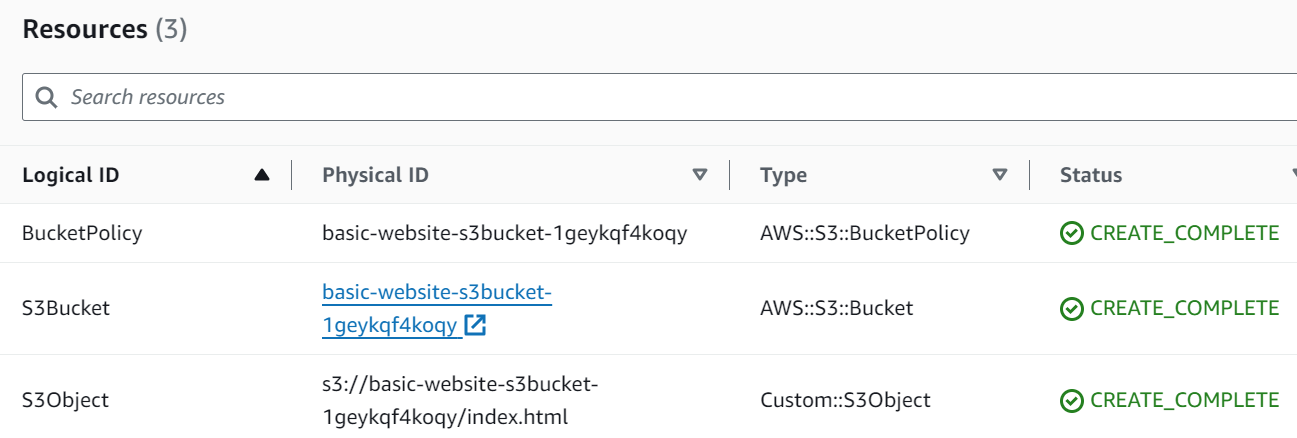
- S3Bucket - Where we will host the files, and where the webserver is.
- BucketPolicy - To allow reading of objects
- S3Object - The index.html file
Outputs:
- WebsiteURL - This is the S3 generated url.
Part 2.1: Deployment - Via Console
Let’s first create the stack from the console.
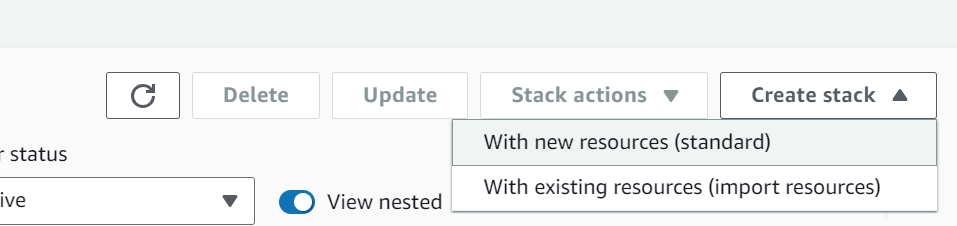
In CloudFormation, click create stack.
Then With new resources (standard) since we will be creating all net new objects.
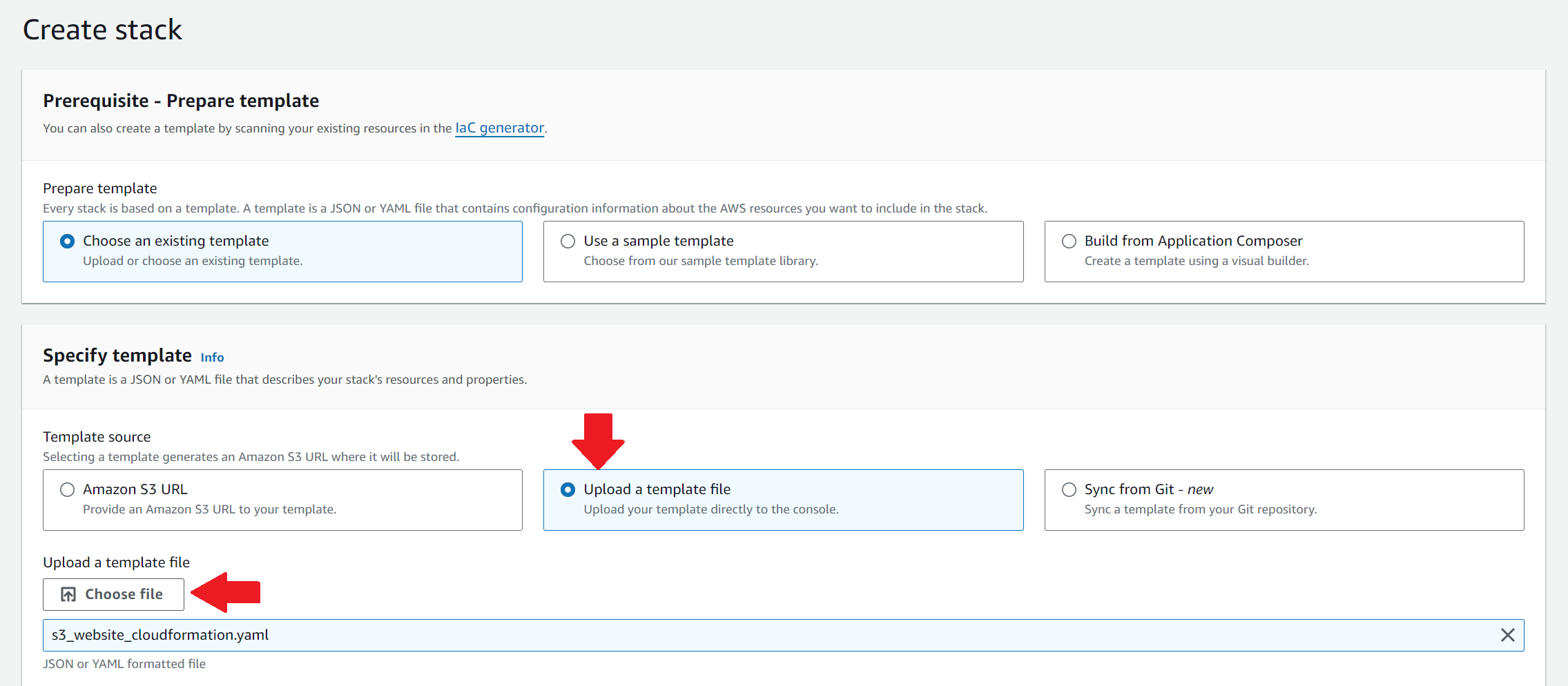
Choose an existing template, click Upload a template file and use the one from git above.
Click Next
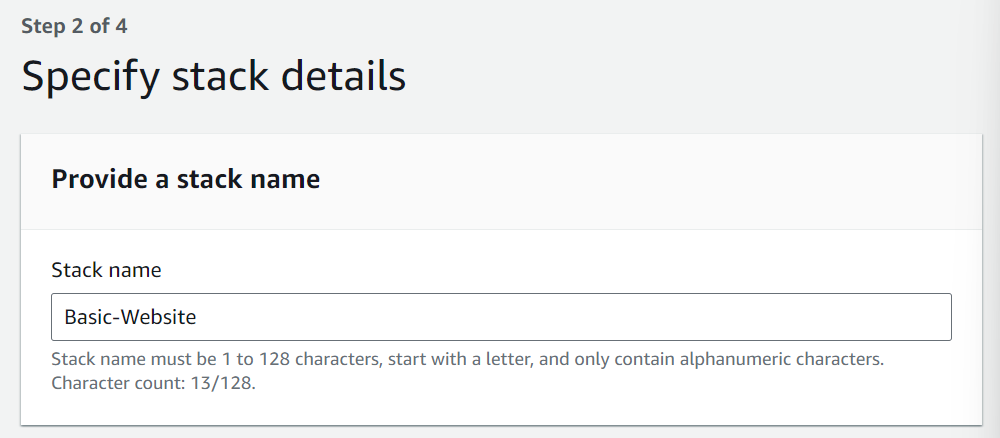
CloudFormation calls all the groupings of resources, objects, permissions…basically everything it does together, a stack.
Choose a name and click Next.
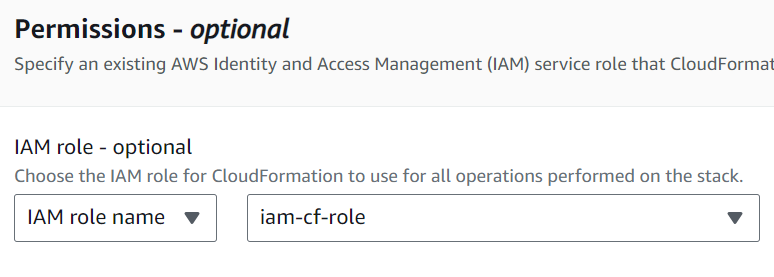
We are not going to dive into permissions and best practices here, so I’ll link to a resource and say just give it enough access to do what it needs in S3 (create a bucket, create an object, configure the bucket, etc).
Leave the rest as default and click next.
Look over what it says it is going to do, then acknowledge the three IAM boxes, click submit.
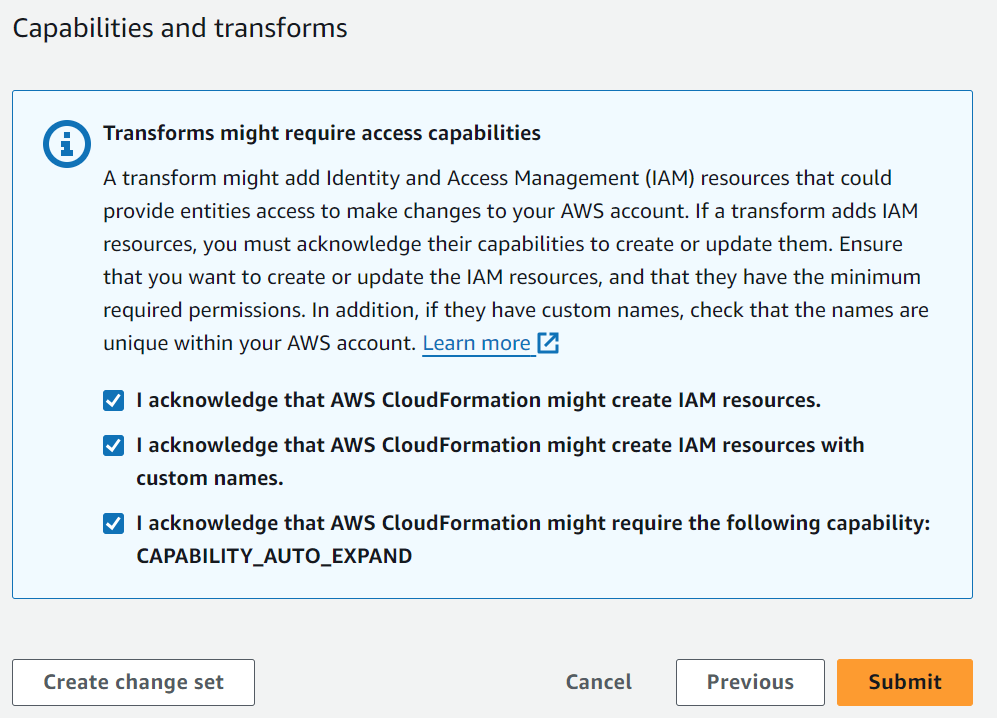
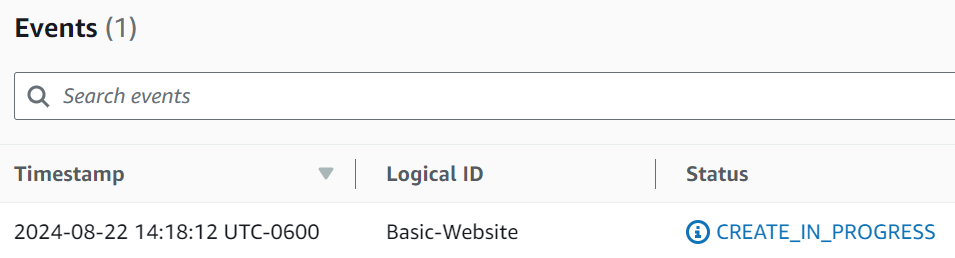
Now you’ll have a brief wait as it creates the resources and configures the bucket. Basically it’s doing all the steps we got so familiar with by point and clicking in the first go around of this.
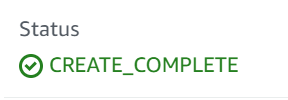
On the Stack info tab, wait for the status to go green.
On the Resources tab, we can see all the things that was created.
Now finally, on the Outputs tab we can see the output from the stack. Here we see that ugly auto-generated S3 URL. Click on it.
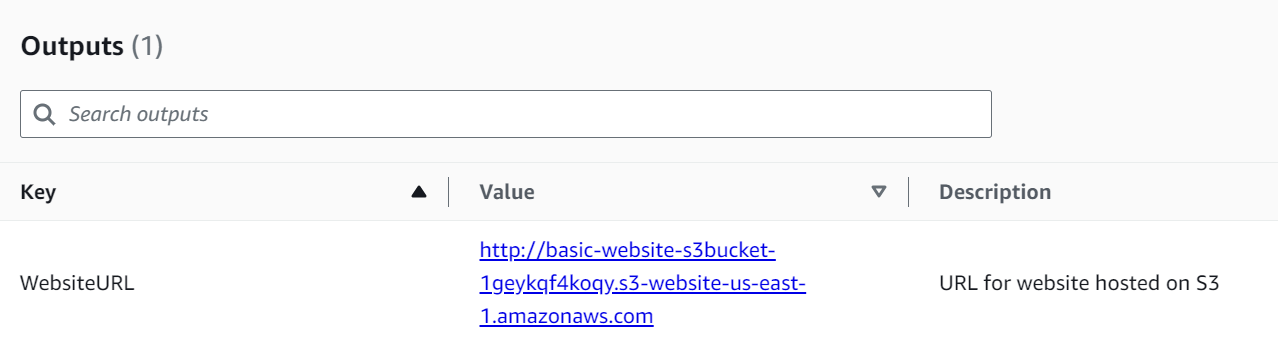
There we go! Basic deployment with the S3 URL available to the public. Note that since we are serving directly from S3 we only have HTTP (not HTTPS) via this exact method.

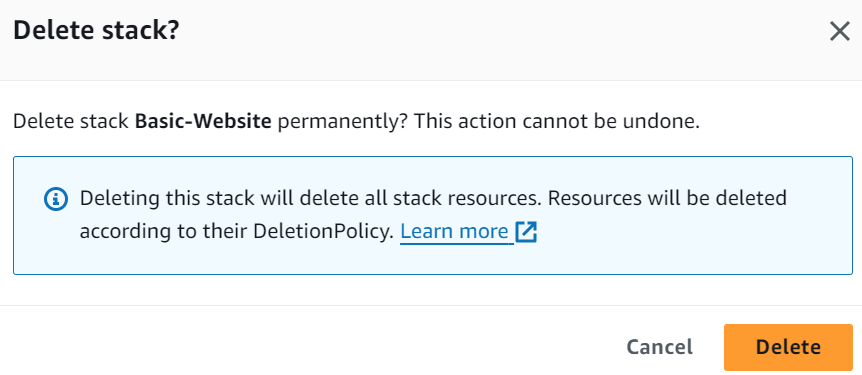
To clean up, simply click Delete and you will get this warning. Click Delete again.
Assuming you left all the defaults, this will take care of anything that was created in this stack.
Part 2.2: Deployment - Via AWS CLI
That is cool and all via the console, but what if we wanted a more efficent way of doing it? Perhaps from some other tooling or pipeline?
The AWS CLI gives us a very simple way of kicking it off:
aws cloudformation create-stack --stack-name Basic-Website-CLI `
  --template-body file://s3_website_cloudformation.yaml `
  --role-arn arn:aws:iam::654654285519:role/iam-cf-role `
  --capabilities CAPABILITY_AUTO_EXPAND
This outputs simple JSON.
{
    "StackId": "arn:aws:cloudformation:us-east-1:####:stack/Basic-Website-CLI/########-####-####-####-############"
}
The console will show the status:

Or you can explore other sub-commands in the CLI:
aws cloudformation list-stacks
{
    "StackSummaries": [
        {
            "StackId": "arn:aws:cloudformation:us-east-1:####:stack/Basic-Website-CLI/########-####-####-####-############",
            "StackName": "Basic-Website-CLI",
            "CreationTime": "2024-08-22T20:31:04.912000+00:00",
            "StackStatus": "CREATE_COMPLETE",
            "DriftInformation": {
                "StackDriftStatus": "NOT_CHECKED"
            }
        },
...
...
...
}
Get details of the stack:
aws cloudformation describe-stacks --stack-name Basic-Website-CLI
{
    "Stacks": [
        {
            "StackId": "arn:aws:cloudformation:us-east-1:####:stack/Basic-Website-CLI/########-####-####-####-############",
            "StackName": "Basic-Website-CLI",
            "CreationTime": "2024-08-22T20:31:04.912000+00:00",
            "RollbackConfiguration": {},
            "StackStatus": "CREATE_COMPLETE",
            "DisableRollback": false,
            "NotificationARNs": [],
            "Capabilities": [
                "CAPABILITY_AUTO_EXPAND"
            ],
            "Outputs": [
                {
                    "OutputKey": "WebsiteURL",
                    "OutputValue": "http://basic-website-cli-s3bucket-os0crvbvppdt.s3-website-us-east-1.amazonaws.com",
                    "Description": "URL for website hosted on S3"
                }
            ],
            "RoleARN": "arn:aws:iam::####:role/iam-cf-role",
            "Tags": [],
            "EnableTerminationProtection": false,
            "DriftInformation": {
                "StackDriftStatus": "NOT_CHECKED"
            }
        }
    ]
}
Now if you are running this from another tool, you can quickly get the URL via a quick command:
aws cloudformation describe-stacks `
 --query "Stacks[?StackName=='Basic-Website-CLI'][].Outputs[?OutputKey=='WebsiteURL'].OutputValue" `
 --output text

http://basic-website-cli-s3bucket-os0crvbvppdt.s3-website-us-east-1.amazonaws.com
Clean up is super easy with the one command:
aws cloudformation delete-stack --stack-name Basic-Website-CLI
References: